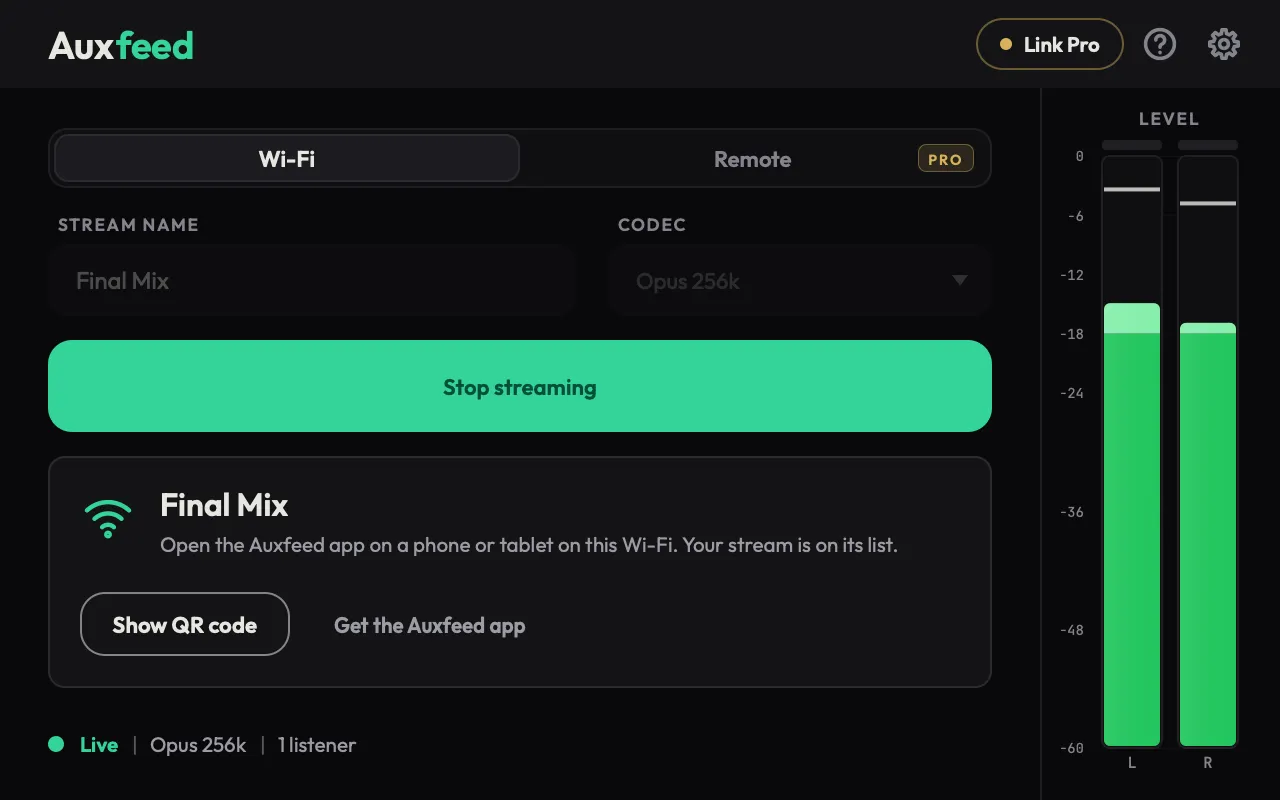
Wi-Fi streaming, no account, no trial and no expiry. Each screen below is the real app.
It finds your DAW.
Open the app on the same Wi-Fi as your computer. Your session appears on its own. No account, no IP address.
See every peak.
Stereo level meters, dim, mute and AirPlay, on the phone in your hand.
Turn it sideways.
Full-screen meters you can read from across the room.
Every channel of surround.
5.1 to 7.1.4: one meter per channel, straight from your session.
Open a link and listen.
Tap a share link on any phone. It plays in the browser, and on iPhone as an App Clip. No account, no install.
Hear it on your headphones.
AirPods, headphones, a Bluetooth speaker, your car: wherever your phone already plays, the mix plays too. No cable back to the desk.
All of it, free.
✓Wi-Fi streaming from the plugin, to any number of listeners
✓PCM lossless, Opus or AAC
✓Stereo and multichannel meters, up to 7.1.4
✓Dim, mute and volume
✓AirPlay and Bluetooth output
✓Share links open in the app, the iPhone App Clip or any browser
✓Play back recordings you already have
✓Stream details: codec, rate, channels
✓No account, no trial, no expiry
Just streamed a mix to my client, it works great!!!
Chris Carey · Producer, engineer, multi-instrumentalist
★★★★★App Store review
Using it is super easy and just a great experience. Clean UI, minimal latency, easy streaming… absolutely incredible for the mixing and mastering process!
Listening is free. Sharing is Pro.
Free
For everyone who listens, and for your own studio
$0
✓ Listen on iPhone, iPad, Android, or web
✓ Tap any share link — no install required
✓ Wi-Fi streaming from the plugin
✓ Stereo and multichannel meters (up to 7.1.4), momentary LUFS
✓ Dim / Mute / AirPlay / Bluetooth
✓ PCM up to 192 kHz on iPhone and iPad, up to 96 kHz on Android. Opus and AAC up to 48 kHz
Yes. The DAW plugin and the receiver app are free to download and use, with no account, no trial, and no time limit. Auxfeed Pro is an optional subscription for advanced metering and remote streaming.
How does Auxfeed work?
You install the Auxfeed plugin (AU, VST3, or AAX) on the master bus of your DAW. The plugin transmits audio over Wi-Fi or via our relay server. Open the Auxfeed app on your phone, tap your DAW in the list, and you hear the mix in real time.
Which DAWs does it work with?
Pro Tools, Logic Pro, Ableton Live, REAPER, Cubase, Nuendo, Studio One, Bitwig Studio, FL Studio, Cakewalk, and any other DAW that supports AU, VST3, or AAX plugin formats.
What's the latency?
Latency depends on your buffer size and Wi-Fi quality, so there is no single number. The app measures it and shows the live readout on your device.
Do I need to create an account?
Free needs no account. Pro is tied to your App Store, Google Play or auxfeed.com purchase, and you can restore it on any device.
Is my audio private?
On local Wi-Fi, audio never leaves your network — it goes straight from your computer to your phone. Over the internet, audio is encrypted in transit to and from our relay, which forwards it without writing it to disk.
How is Auxfeed different from Audiomovers LISTENTO?
LISTENTO is a paid subscription: plans start at $12.99/month or $99.99/year after a 7-day free trial (LISTENTO prices last checked October 23, 2026). Auxfeed is free when your phone is on the studio's Wi-Fi: no account, no trial, no time limit. Streaming over the internet needs Auxfeed Pro, $9.99/month or $79.99/year, which also includes pro metering tools. Listening is free on both.



 Get the free plugin for your computer